Module 3 Formstorming

Weekly Activity Template

Ho Yi Chloe Tang


Project 3


Module 3

In activity 1, I tested p5.js with Makey-Makey, testing how keypads can be utilised to be interacted with.

Activity 1
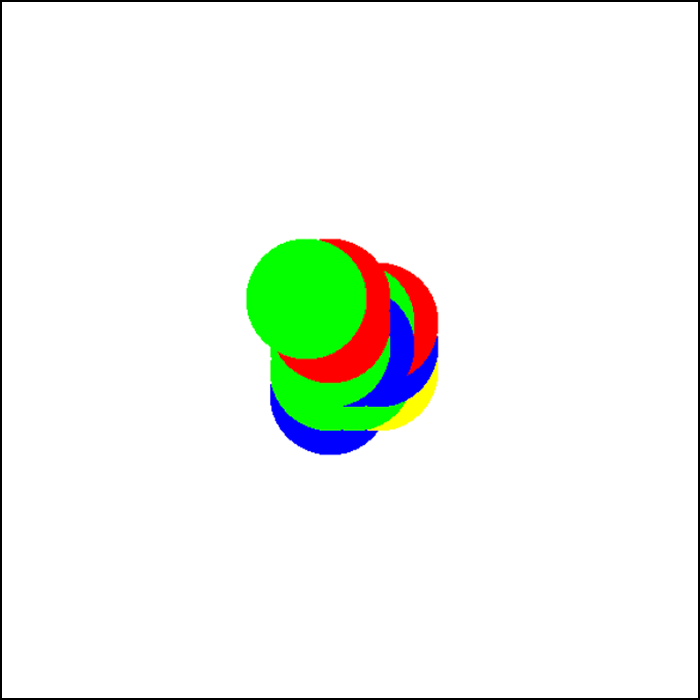
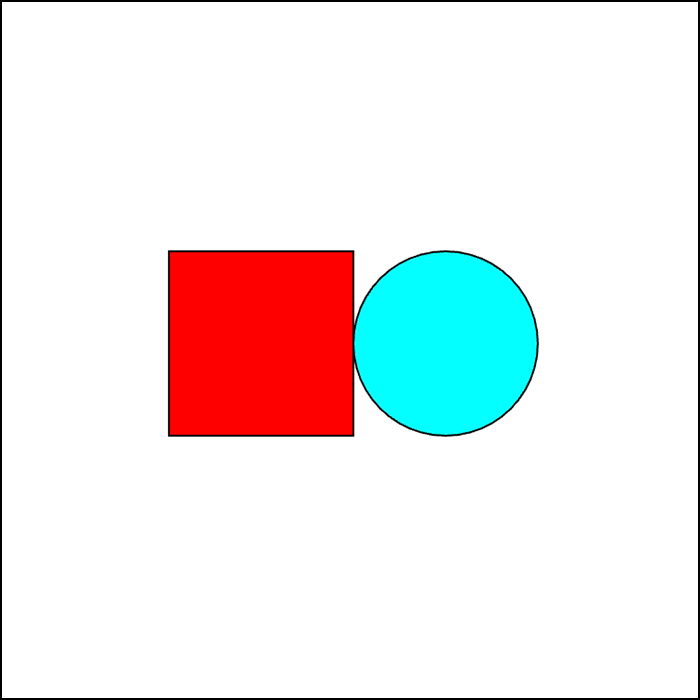
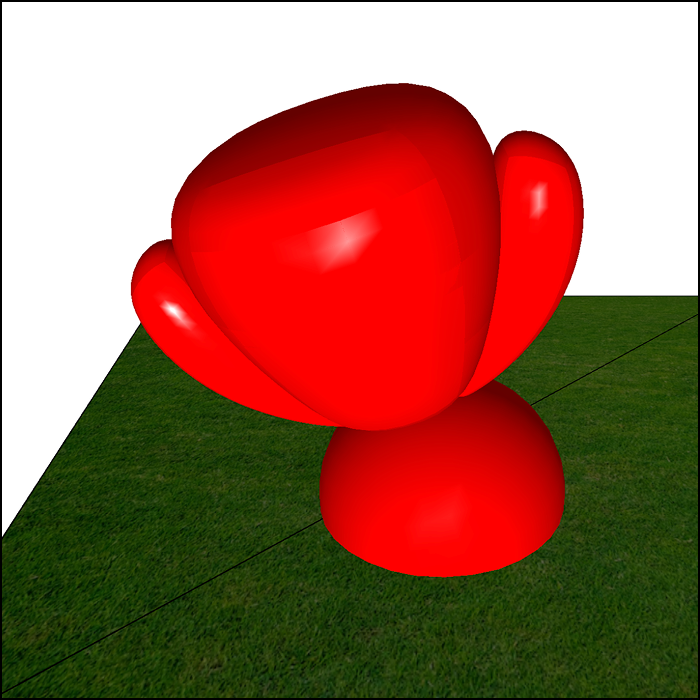
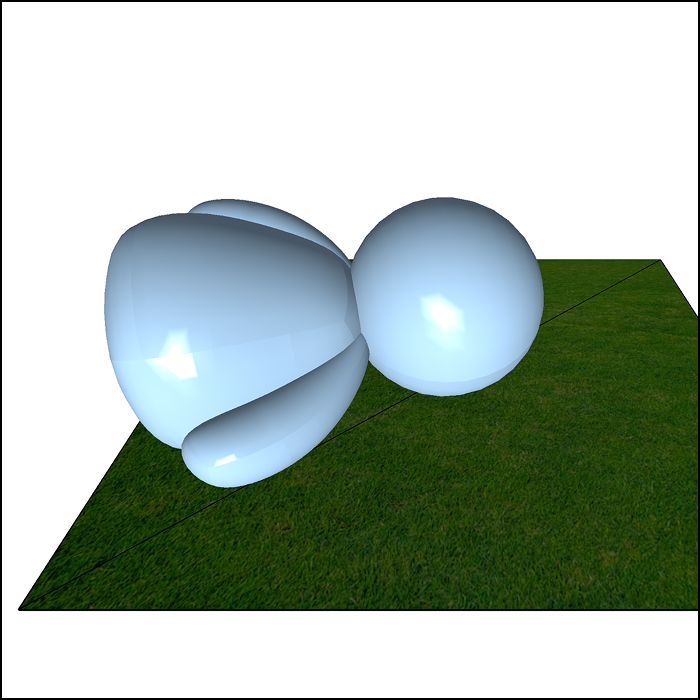
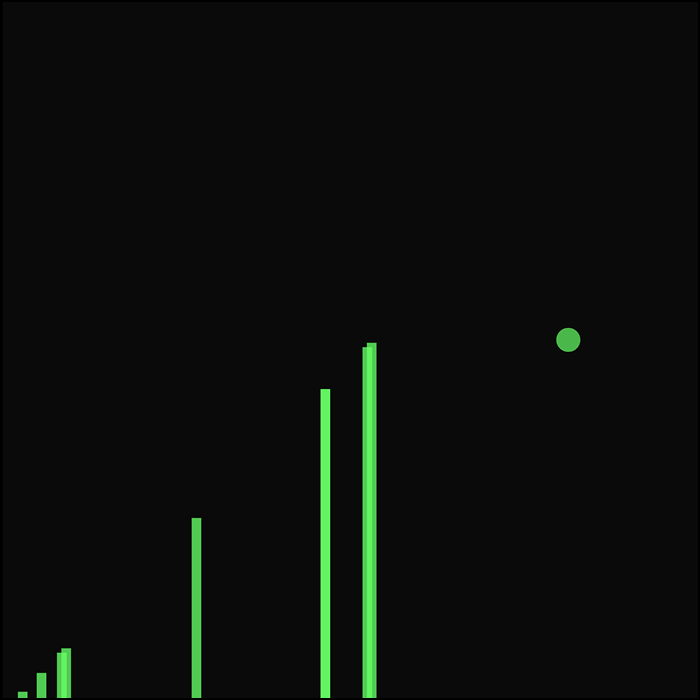
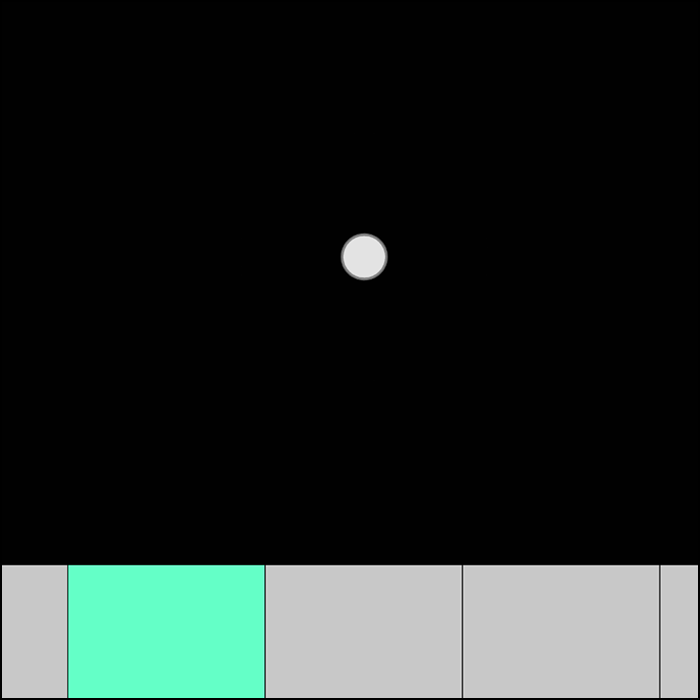
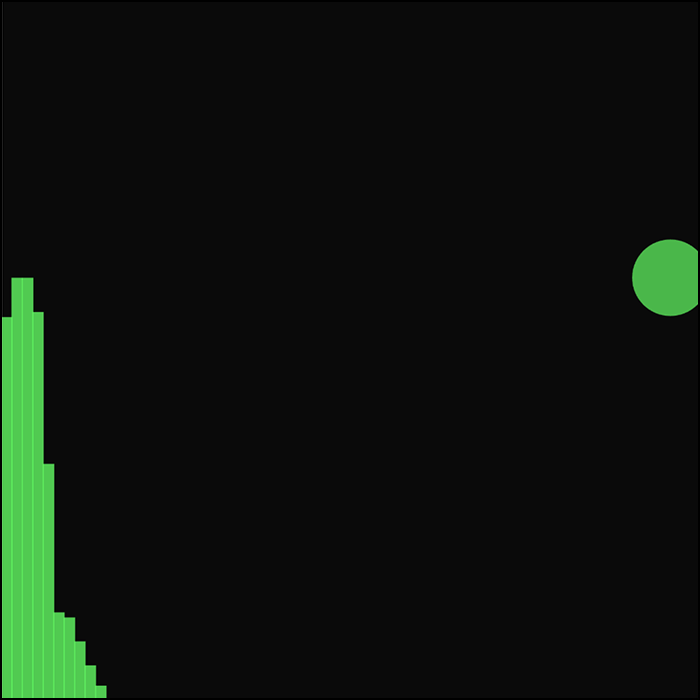
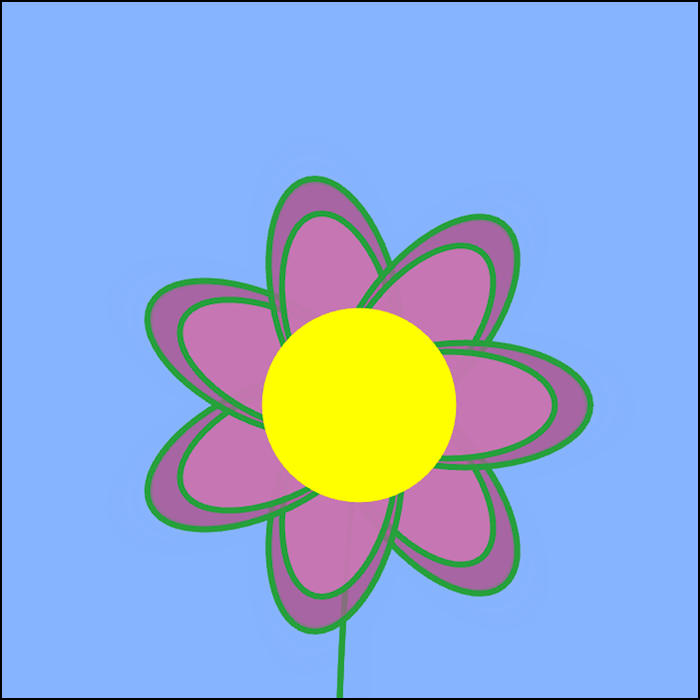
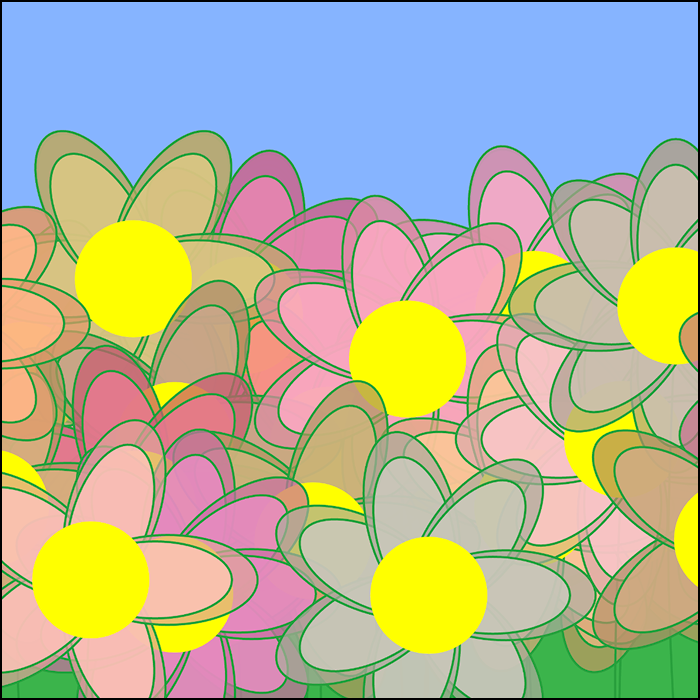
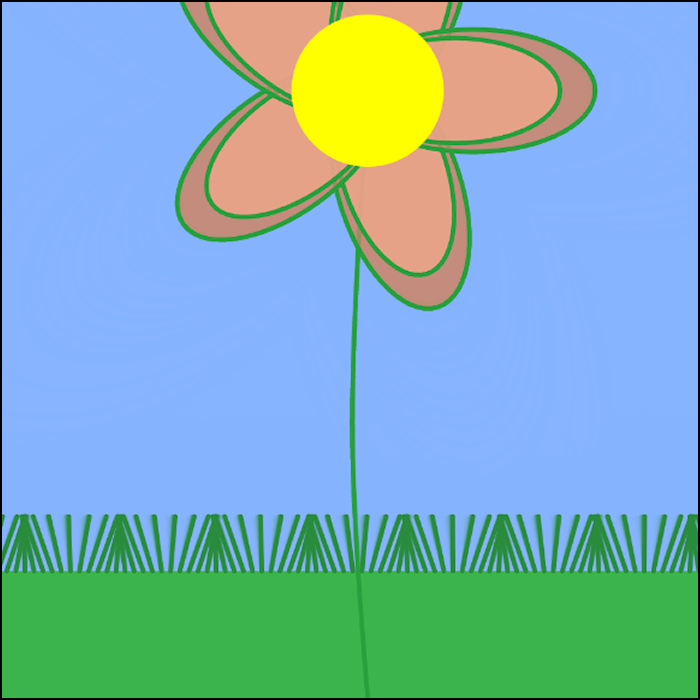
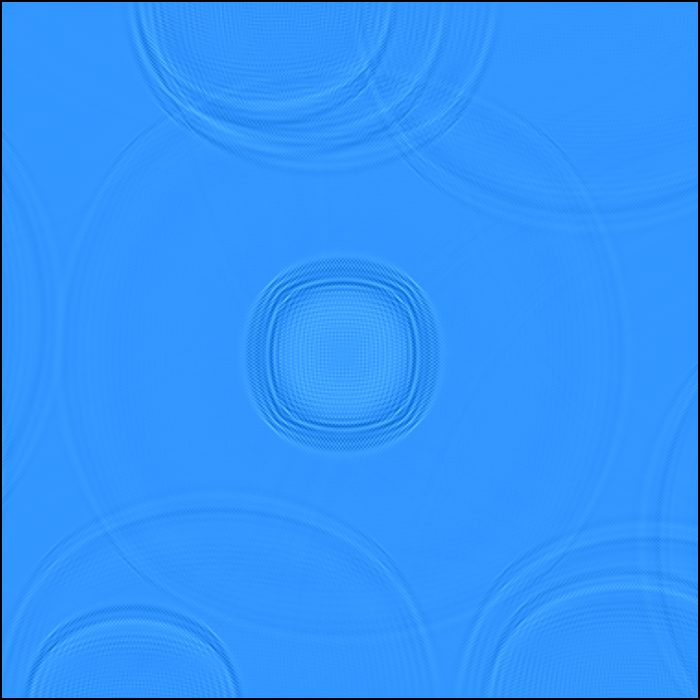
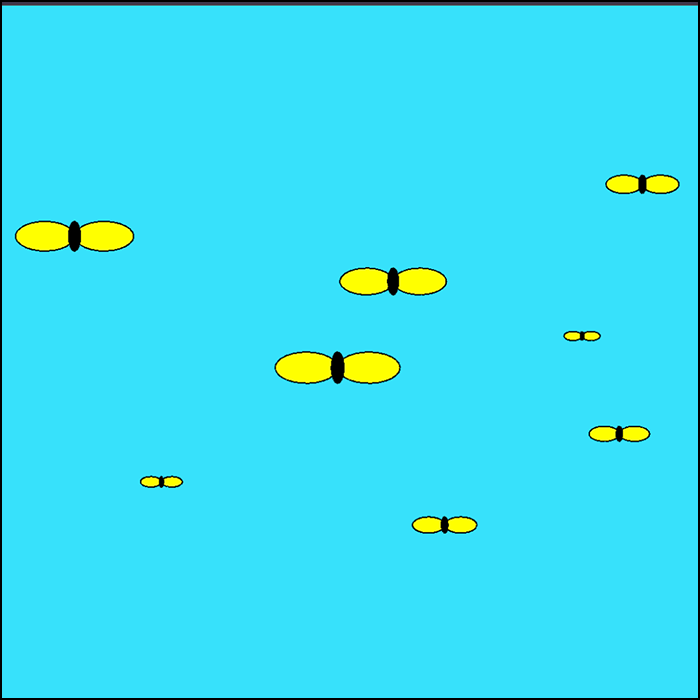
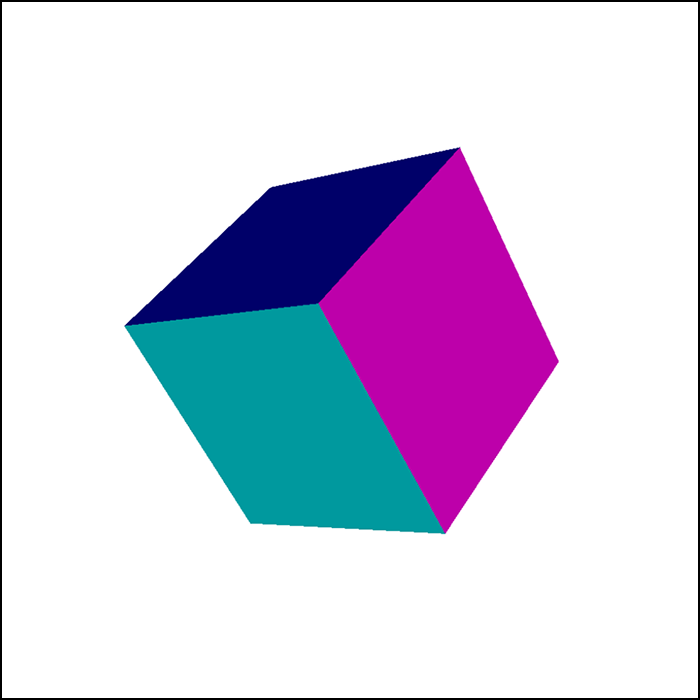
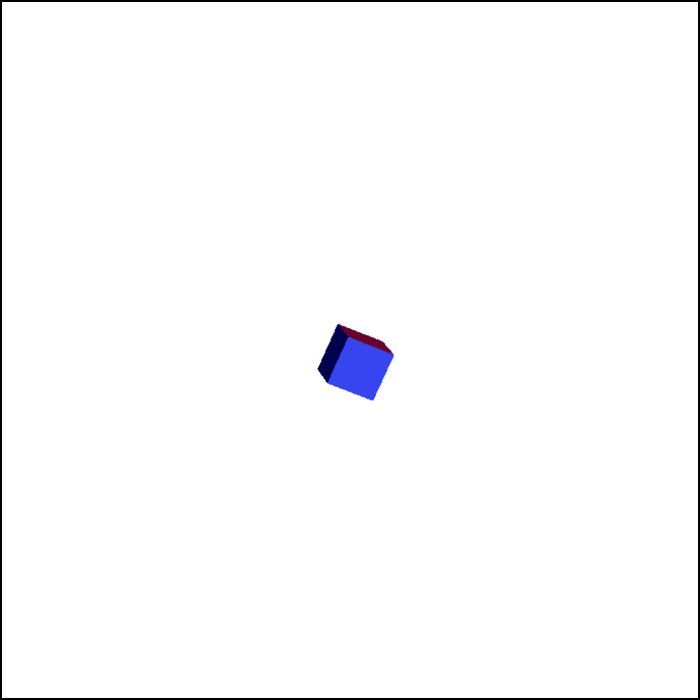
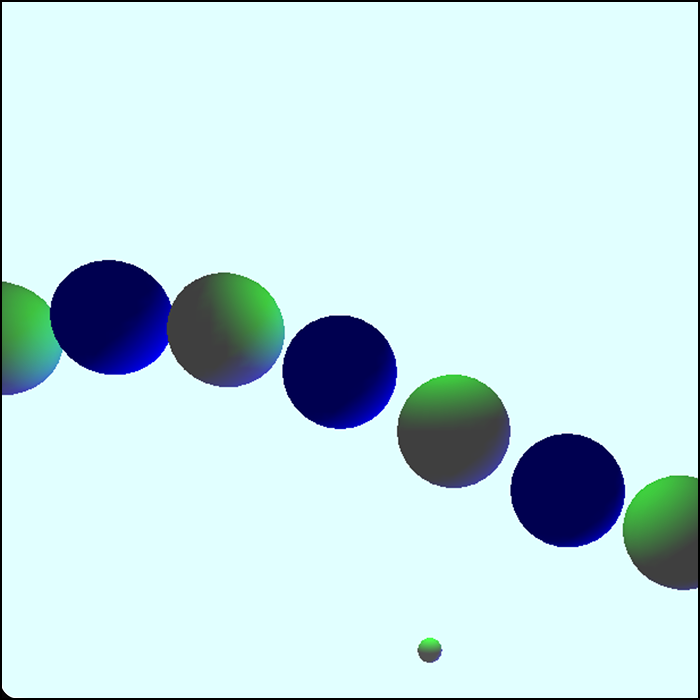
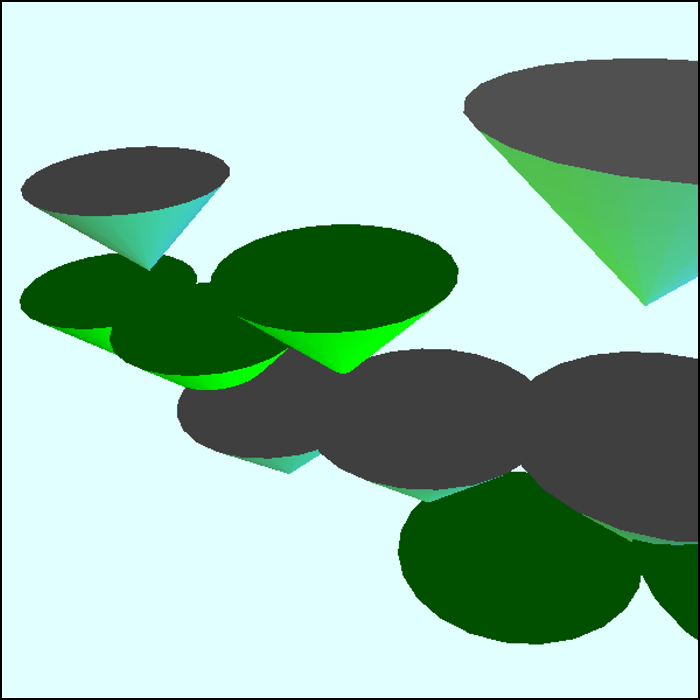
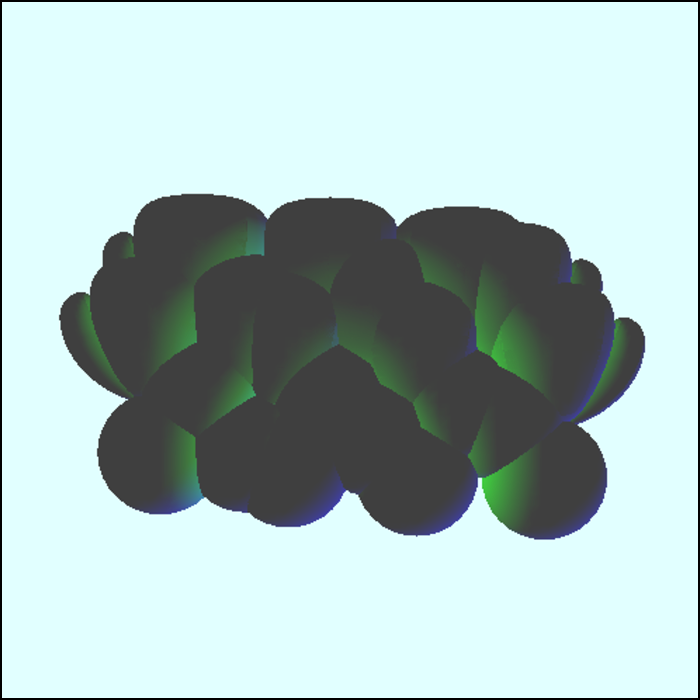
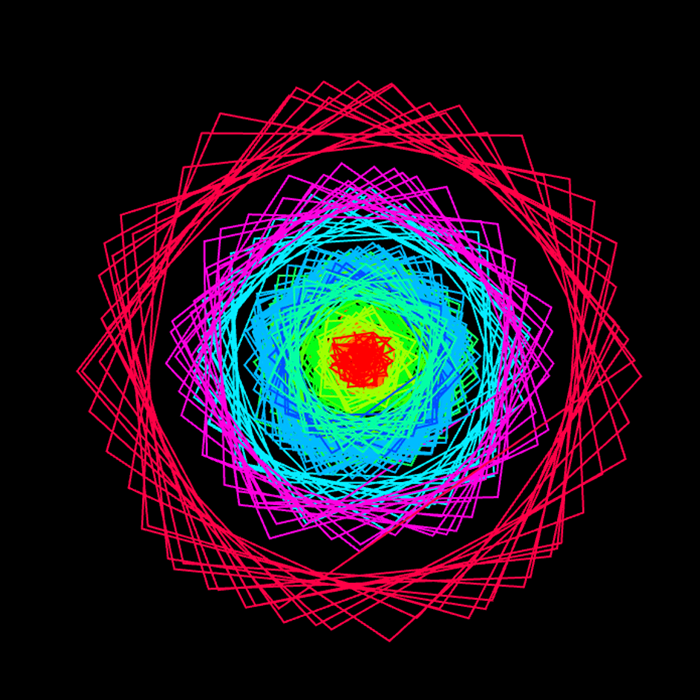
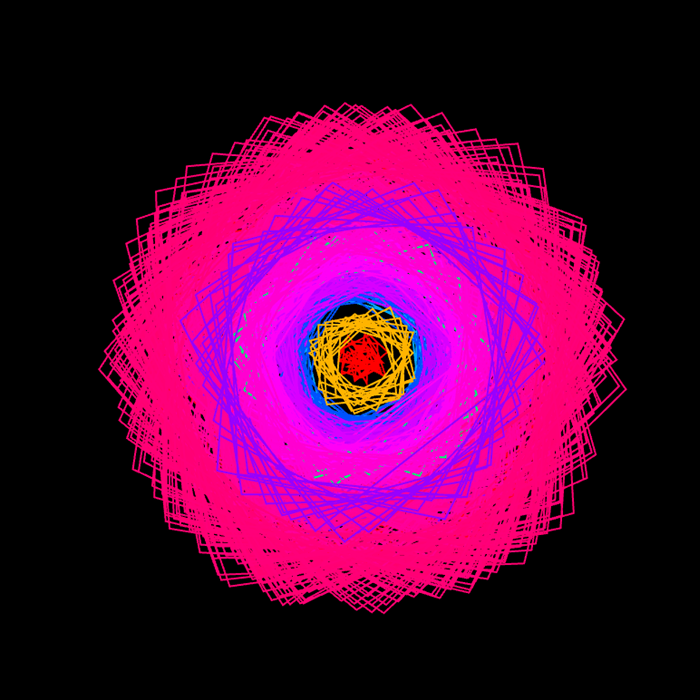
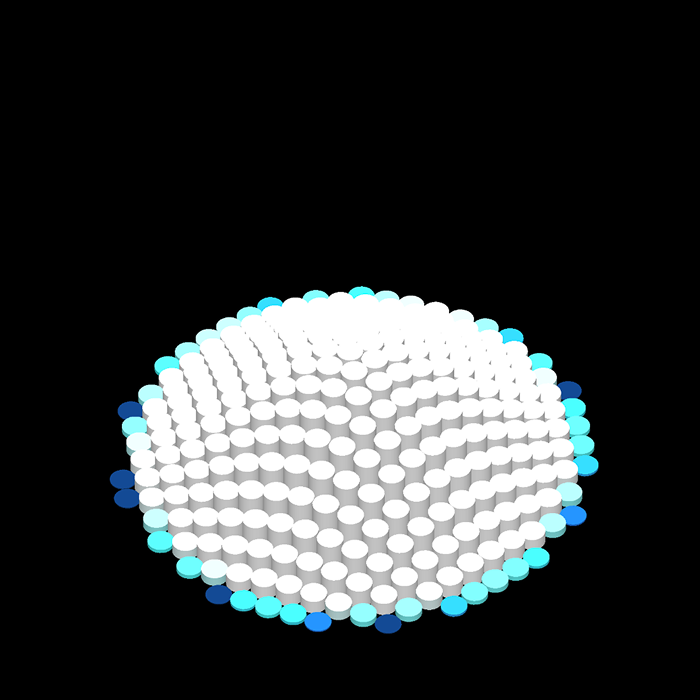
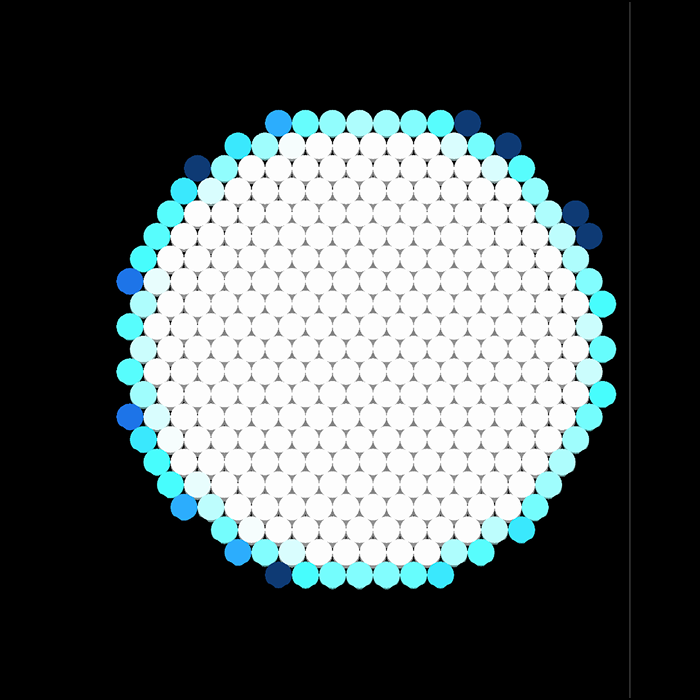
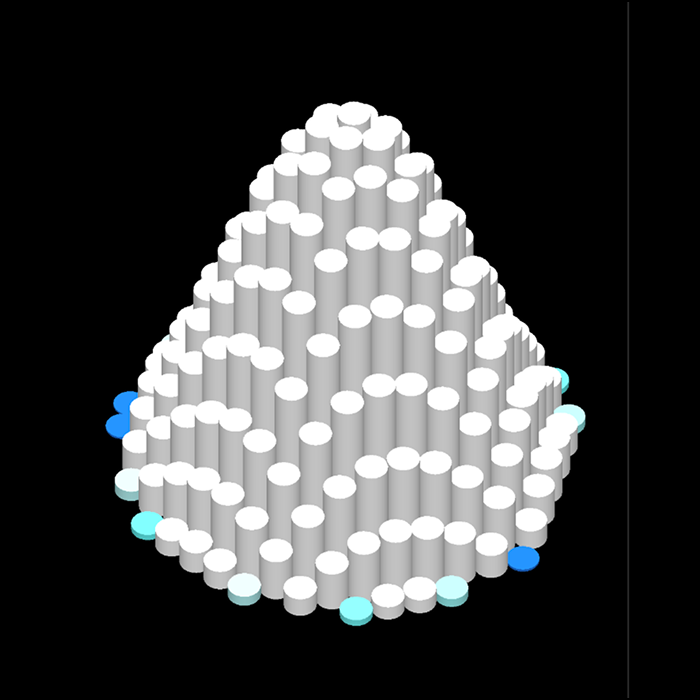
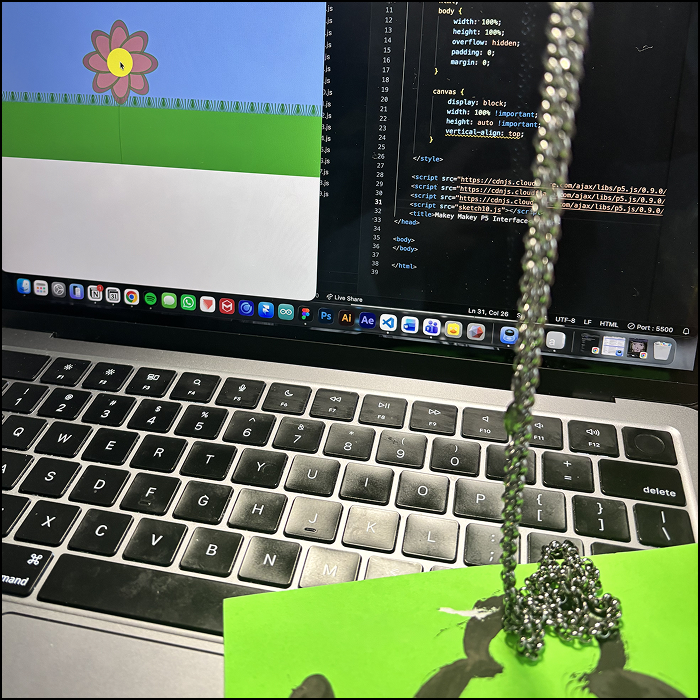
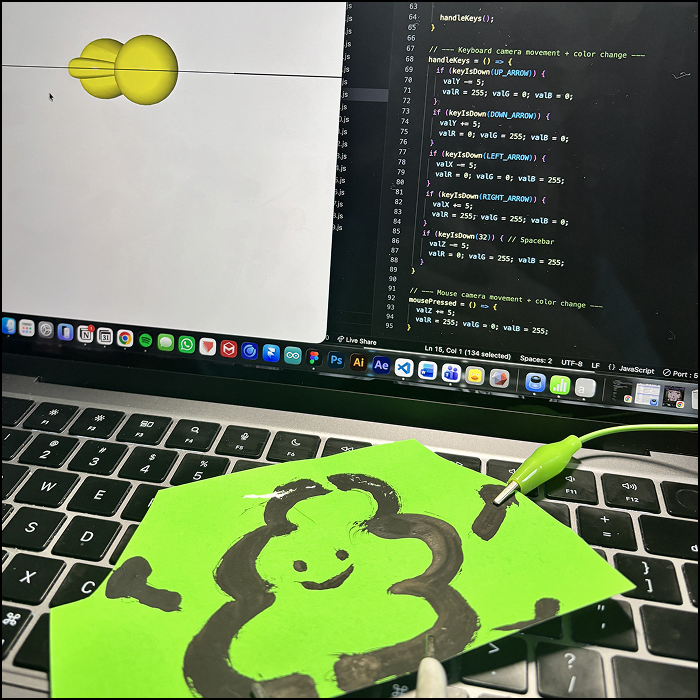
Generate circles in different color everytime a keypad is pressed. Moving the square and circle at the same time, changing colors of both to different colors everytime a keypad is pressed. The model, taken from my project 2, auto-rotates and changes color every time a keypad is pressed. You can also control the camera angle. Example of auto-rotation color change of the model. Using the design principle of space to manipulate what you see. Creating a circle that moves up and down and changes color when keypad is pressed. Using the ff spectrum from project 2, I made it react to the sound the keypad made. Creating a set of piano keys that produce a different sound everytime a 'key' is played. Adding another frequency spectrum that both play sounds and change colors. The circle increase/decrease in size when key is pressed/let go. Using one of Steve's tutorial, the background and the circle itself moves to a specific direction of the color spectrum. Referencing from a flower p5.js tutorial online, I made a flower that reacts to amplitude and can be move around in a blue sky. I made it so that the flowers generate a new one everytime a key is pressed The grass at the ground acts as a frequency spectrum that increase in height when the audio is played. I made ripples that create new ones every time a key is pressed. I applied a similar method here as the previous sketch. Though this time, you can click on the screen to generate butterflies and change their colors through keyboard. Here I experimented with 3D shape that changes the direction of its rotation with keypads. This one here changes the size of the cube when a keypad is pressed I reference a tutorial online that use the string of spheres that go up and down. For every other number, I applied a function where it changes color when keypad is pressed The same applies to the cones. Though, I find it interesting to look the animation from a different angle. I reused the model from my project 2 again and an interesting effect happened: since the distance is very close, the models created the shape of a cloud. Using a tutorial I found online, I made lines of different layers that generate a variety of colors. A new 'ring' appears everytime a key is pressed. Here is the effect of what happens when you press the keypads quickly or the same keypad over and over again. I found a tutorial that groups a bunch of cylinders that automatically rotates and moves up and down. I modified its colors and movement. I added keypads that change its starting position. Here, the shape looks flat for a second. Example of using keypads on this sketch.

Activity 2
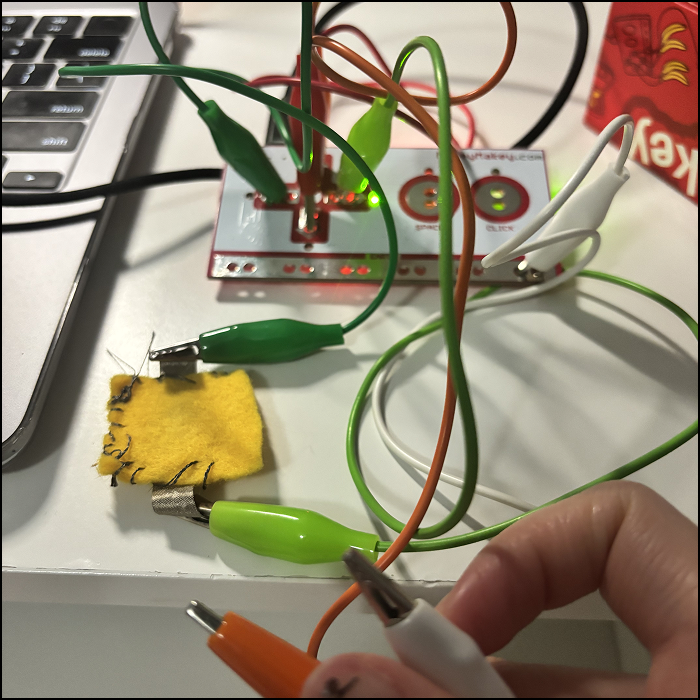
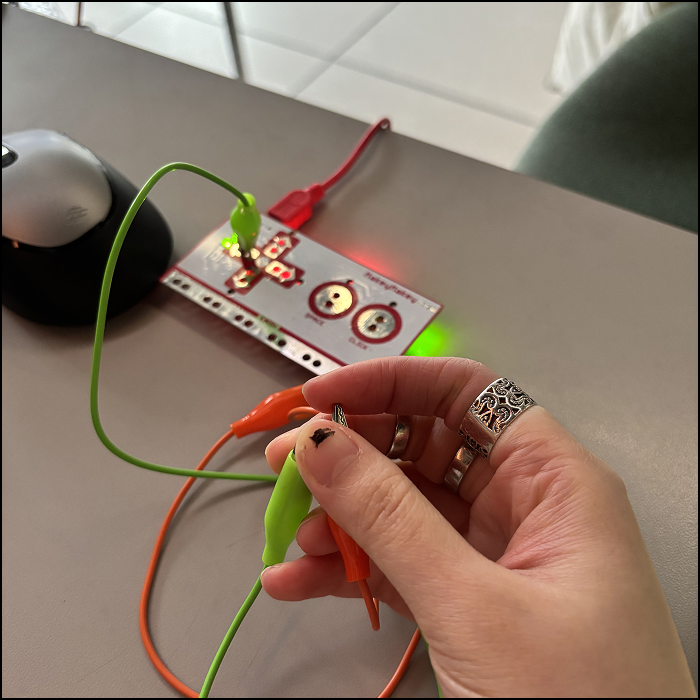
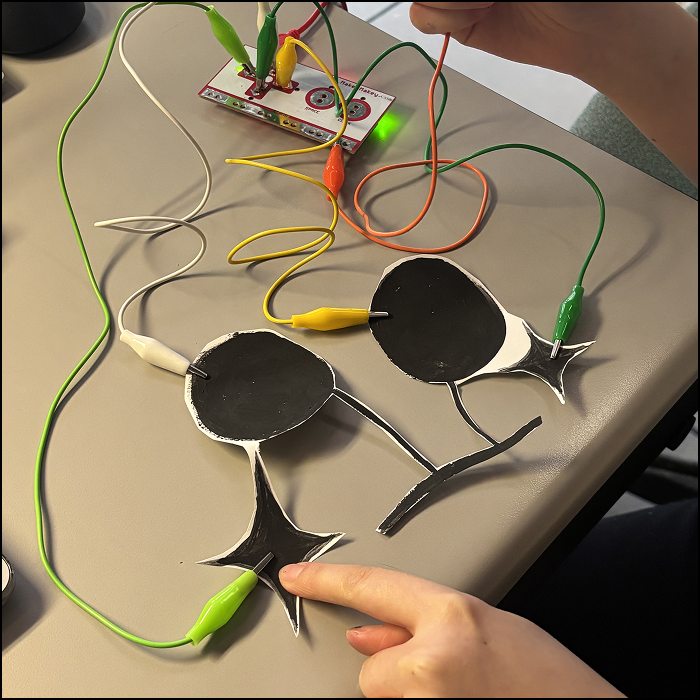
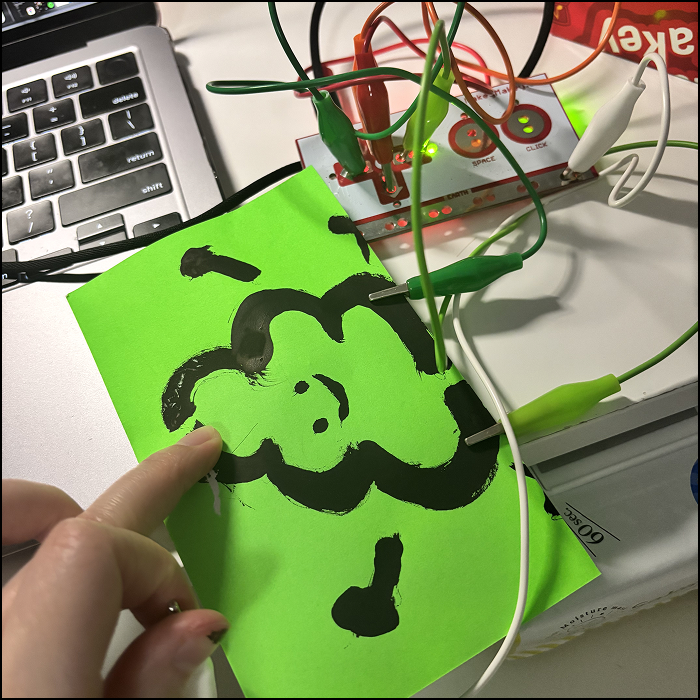
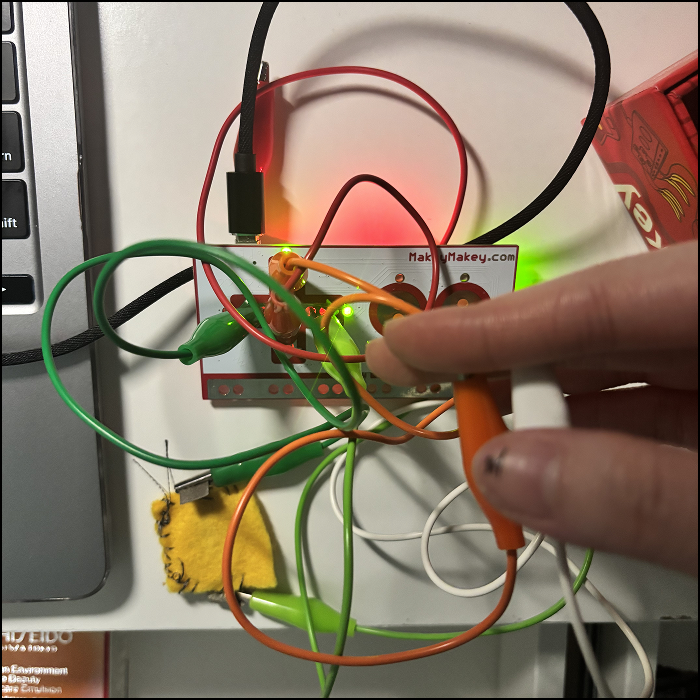
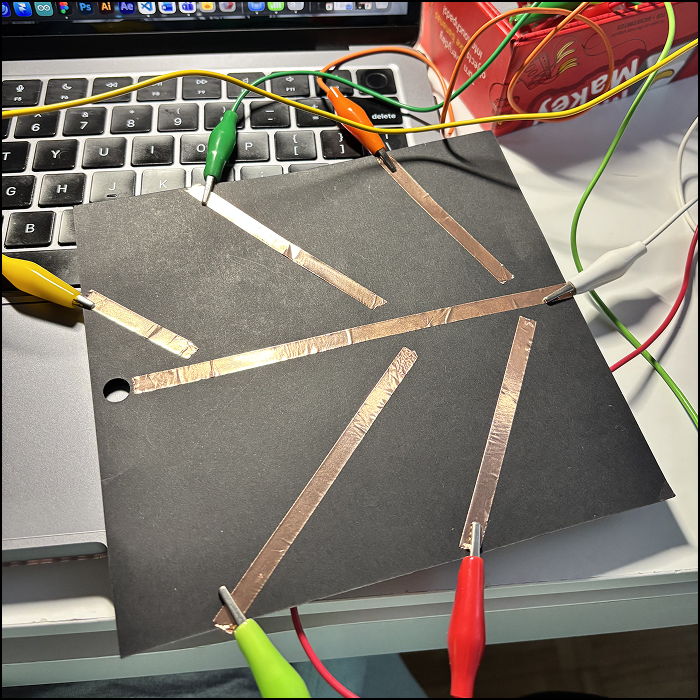
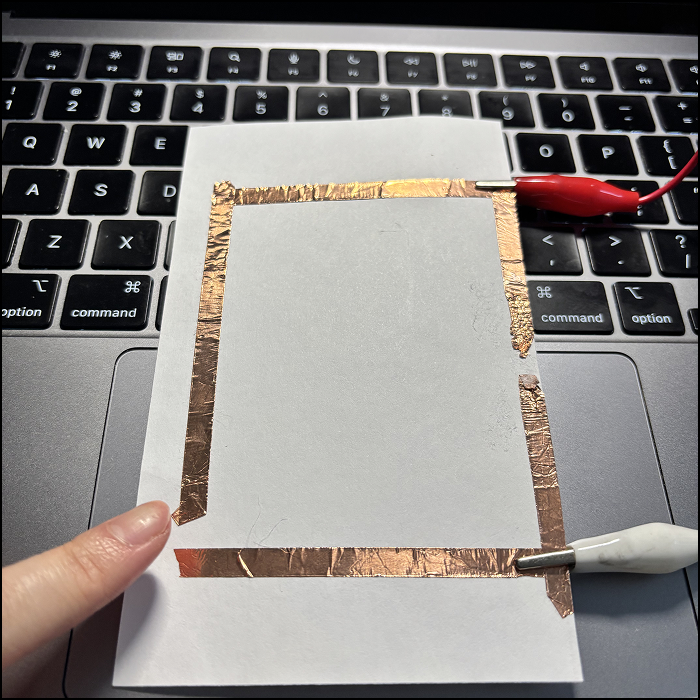
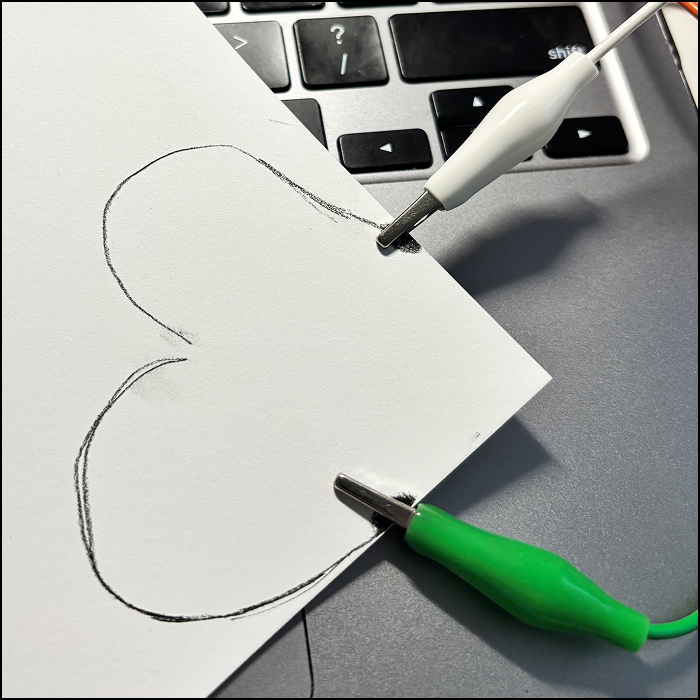
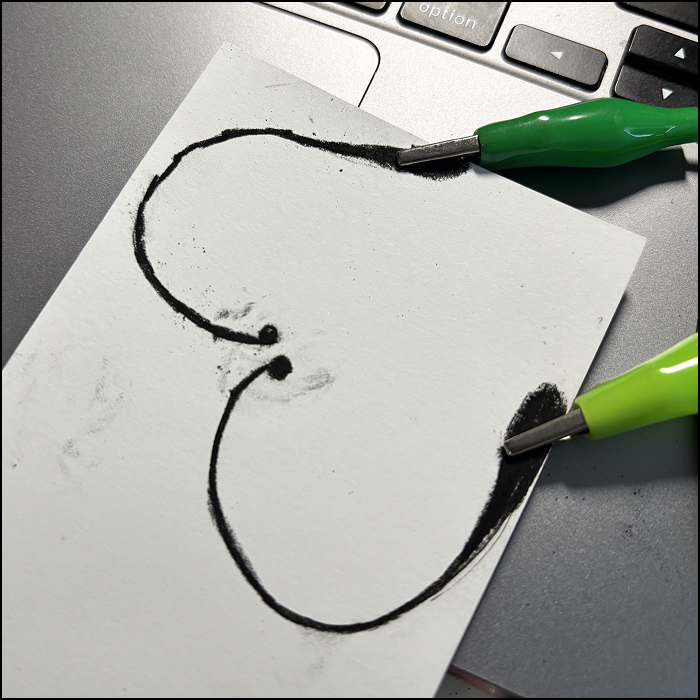
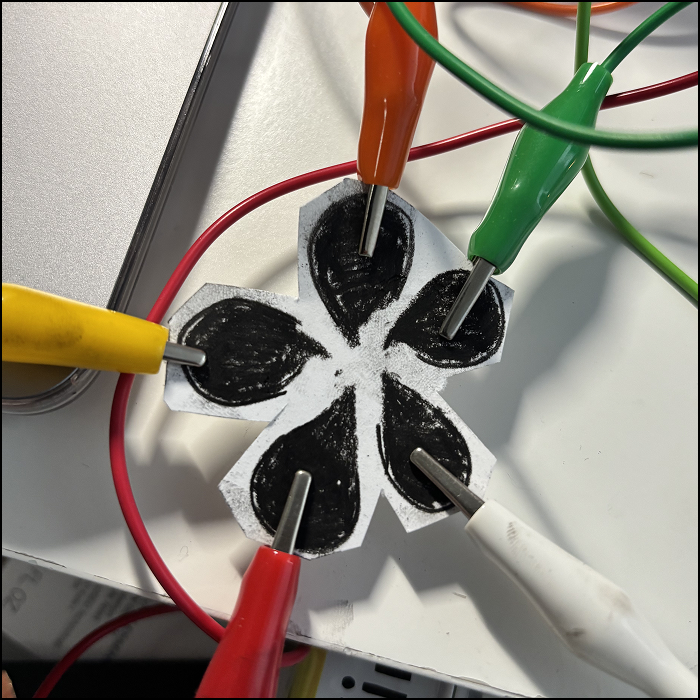
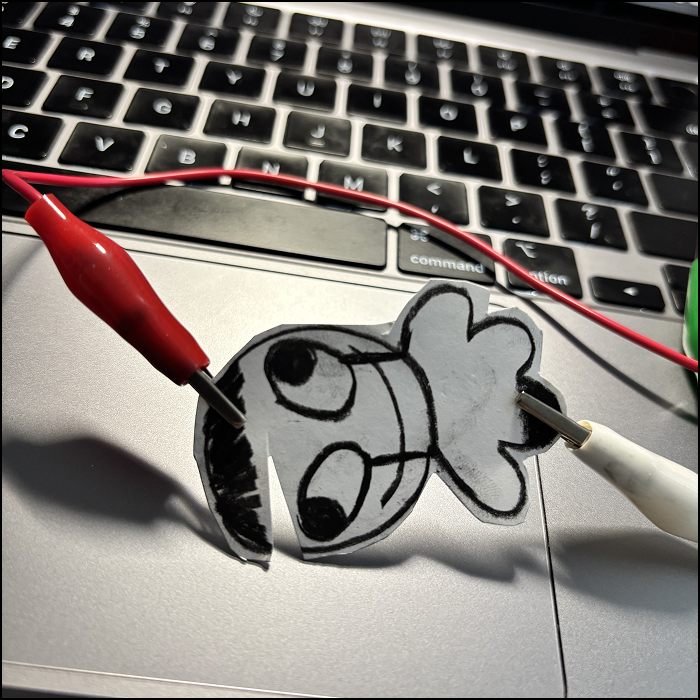
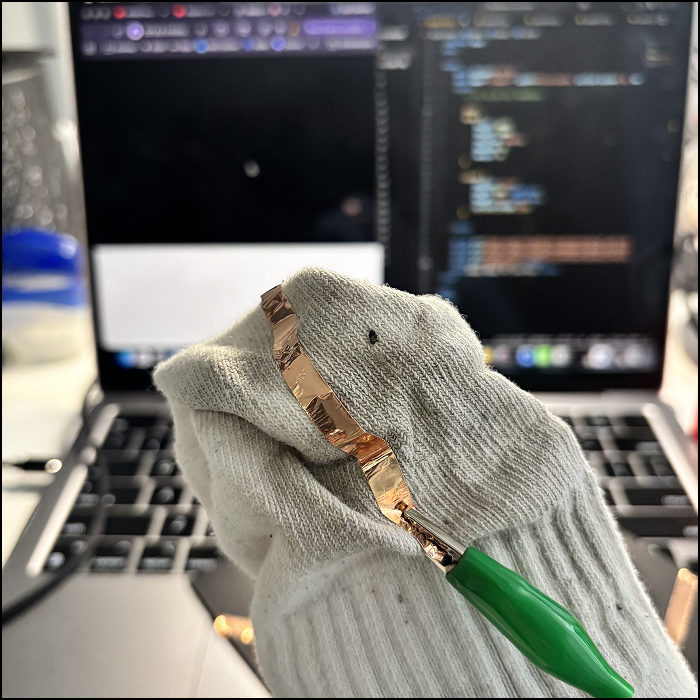
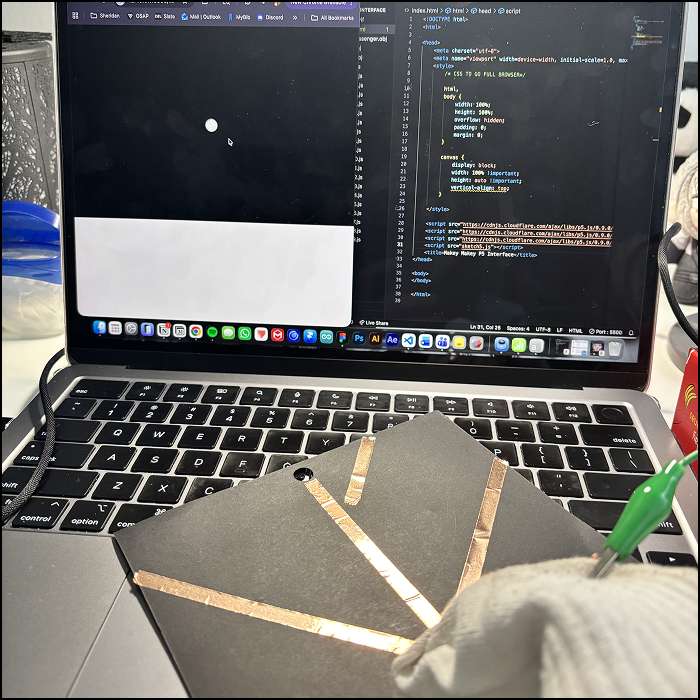
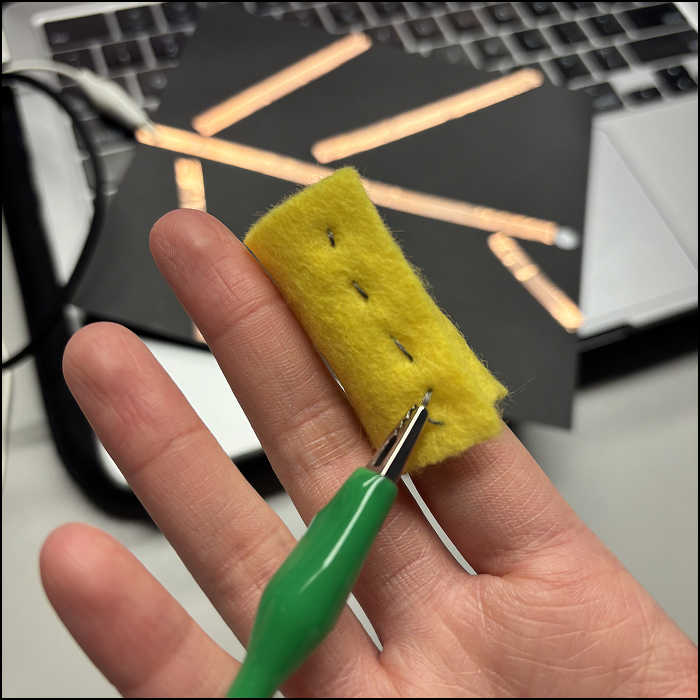
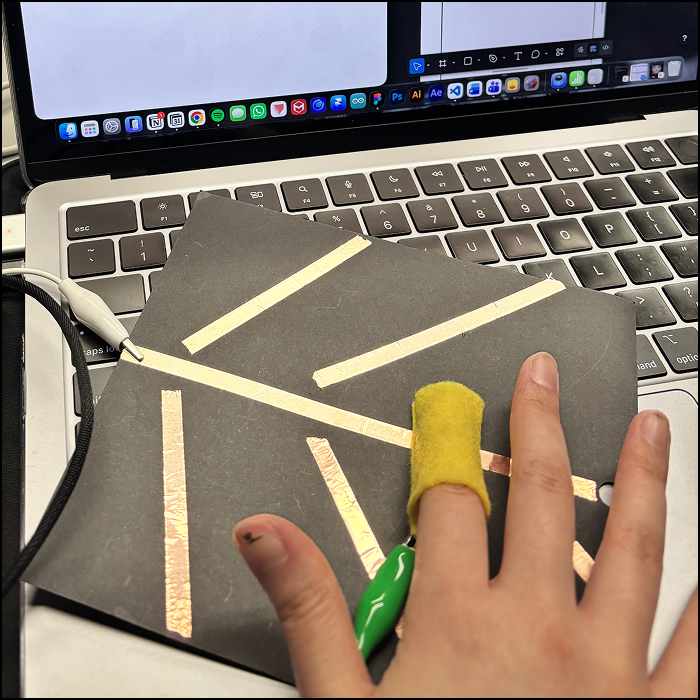
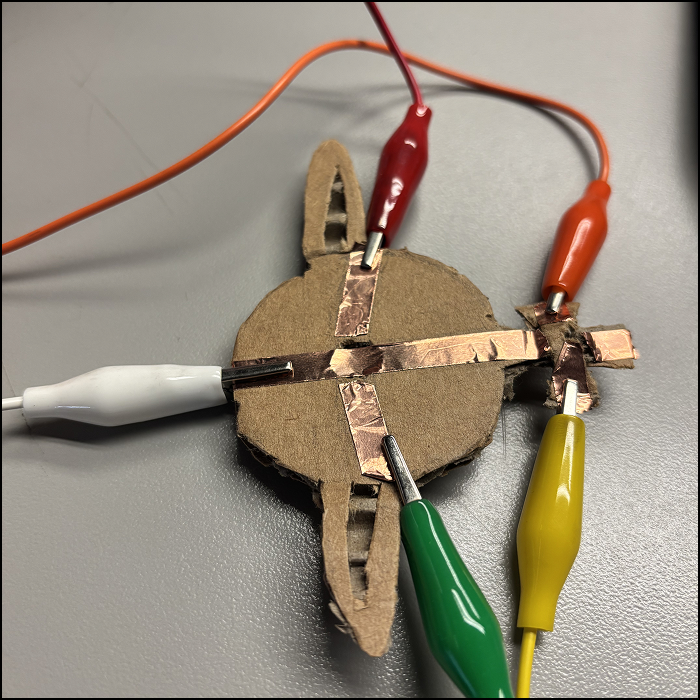
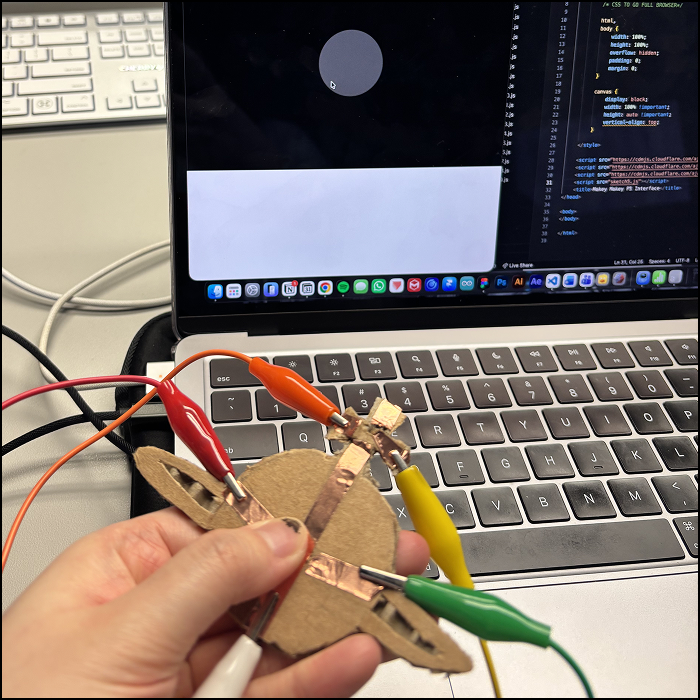
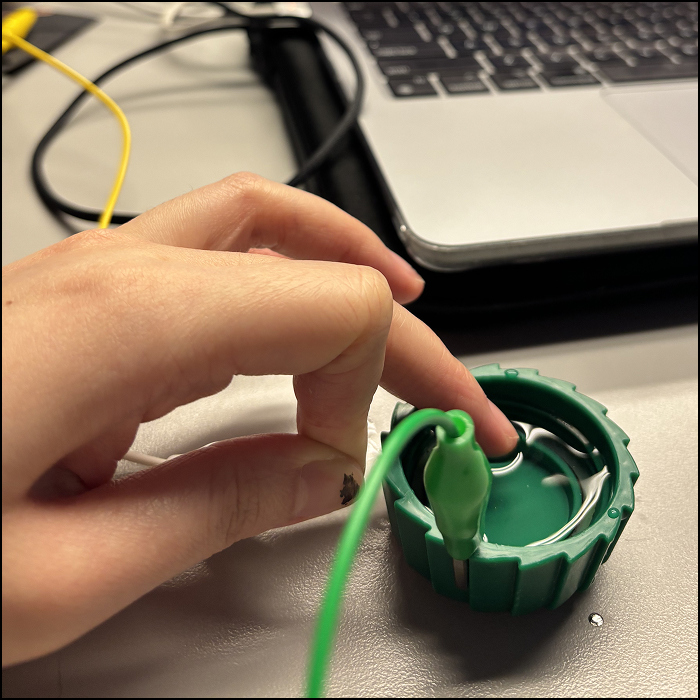
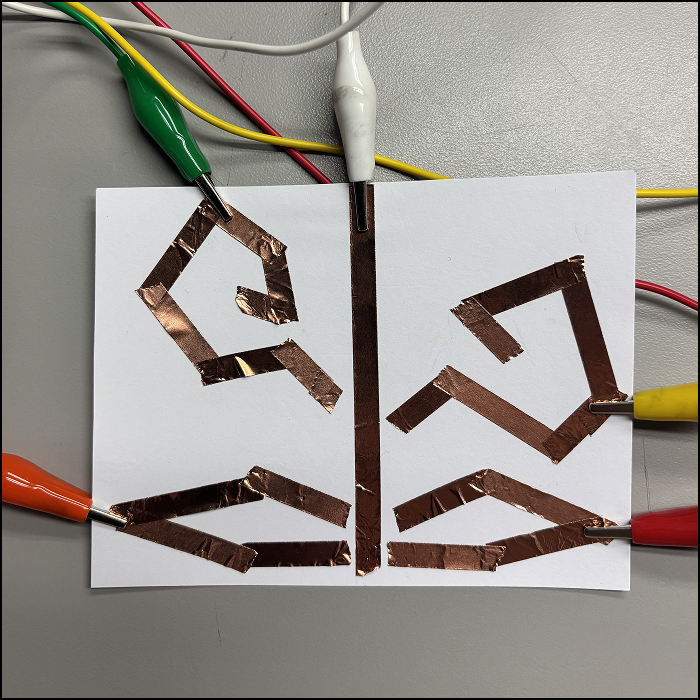
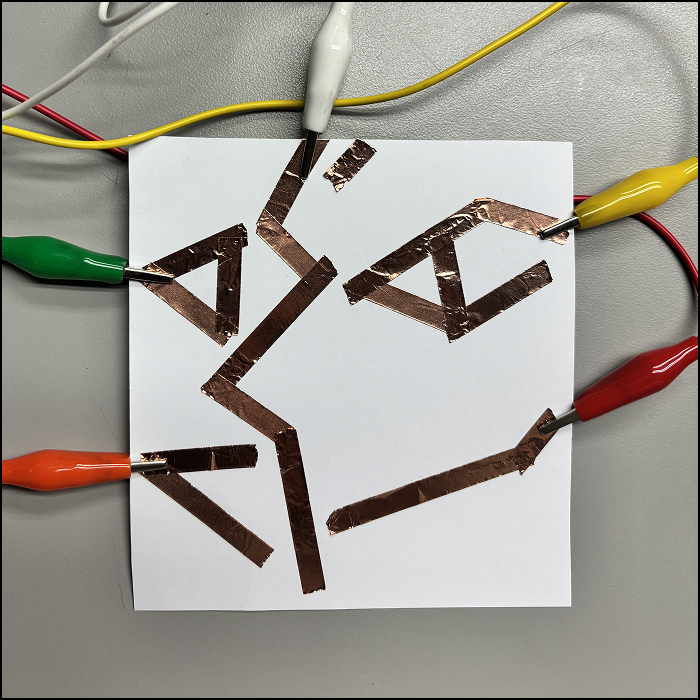
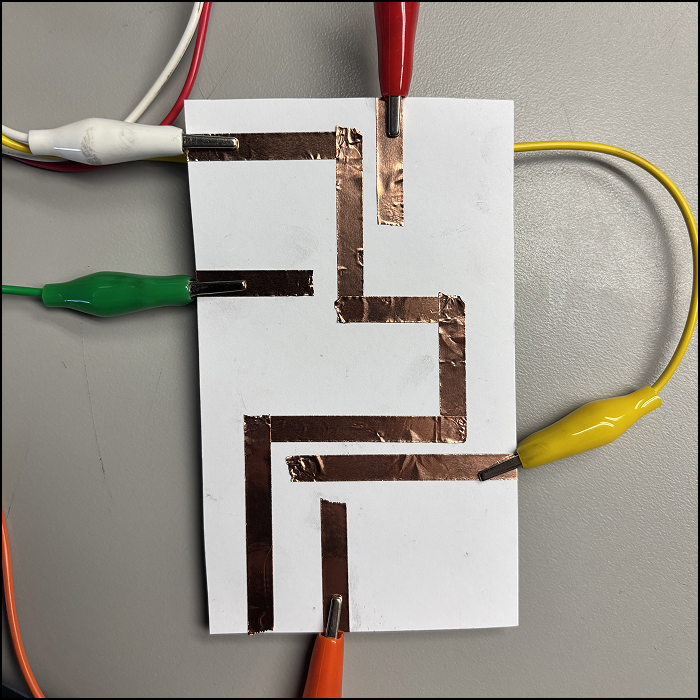
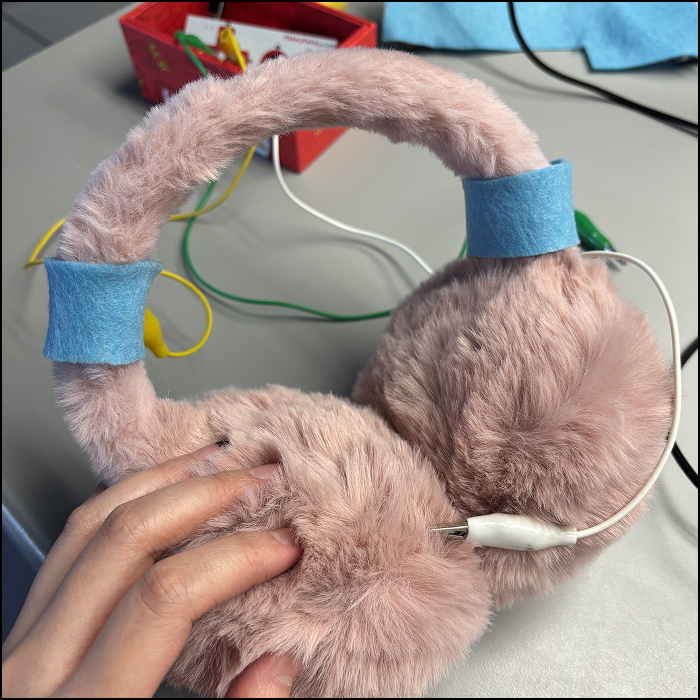
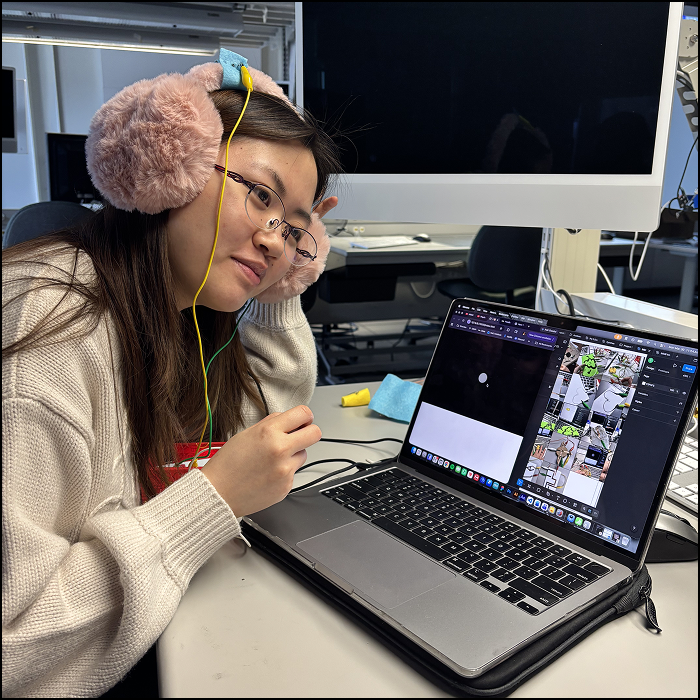
For my first ever experimentation, I attached two alligator clips together. I painted a graphic picture using graphite paint, with four spaces to attach the clips. It worked pretty well, except for some parts when the water may have dillute the paint a little bit. Using graphite paint on paper I did back in project 1, I removed the LED lights and attached clips on both sides. I used a LED pocket I made back in project 1, it uses conductive fabric and so it ended up working pretty well. Here's a video of me making the LED pocket work. Referencing from Steve's Module 3 tutorials, I made my own pattern of copper tape. Again, I used a LED experiment I made back in project 1. The placement works perfectly. I used graphite pencil but the lines are too thin for it to be conductive. I made the lines thicker here. However, the conductivity is still weak. I drew a flower with the graphite pencil. It finally works this time. I made some fun illustrations. I realise a lot of graphite is needed in the area the clips attach to, in order for the makey makey to work. I used my necklace, which is made of brass, to activate the keypads. I experimented with different code and placement of the clips. Referencing Steve's tutorial of making physical prototypes, I attached copper tape on a dirty sock. Since the fabric of the sock is thin, the alligator clips easily attach without the use of tape. I tried using sock on the copper tape pattern I made. I sewed a small piece of fabric with conductive fabric, and attach one alligator clip on the thread. I again tried it on the copper tape pattern I made. Using a cardboard I made of Vivienne Westwood, I added copper tapes that creates the outline of the logo. This is my favourite one so far. Experimented it on a code. It works pretty well as 'the ground' is close to other tapes. Since water is known to be conductive as well, I attached a clip that touches the surface of the water in a bottle cap. I made a fun plant-like pattern using copper tape. I made a Picasso-inspired pattern using copper tape. I made straight lines that extrude out of all sides of paper. I sewed the fabric using conductive thread, and attach them on my ear muffles. I was going for a headphone concept, thought it will be fun to play different audio on each ear. Picture of me trying out my new experiment.

Project 3


Final Project 3 Design

An interactive audiovisual experience that explores the creation of a higher power through the trinity of flesh, engine, and the divine .

Here are the link to my published GitHub file. I also attached YouTube link here.

×

Powered by w3.css